Spreadsheet Management (Levels 1, 2 & 3) – Past Questions & Answers
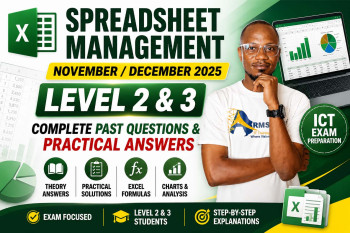
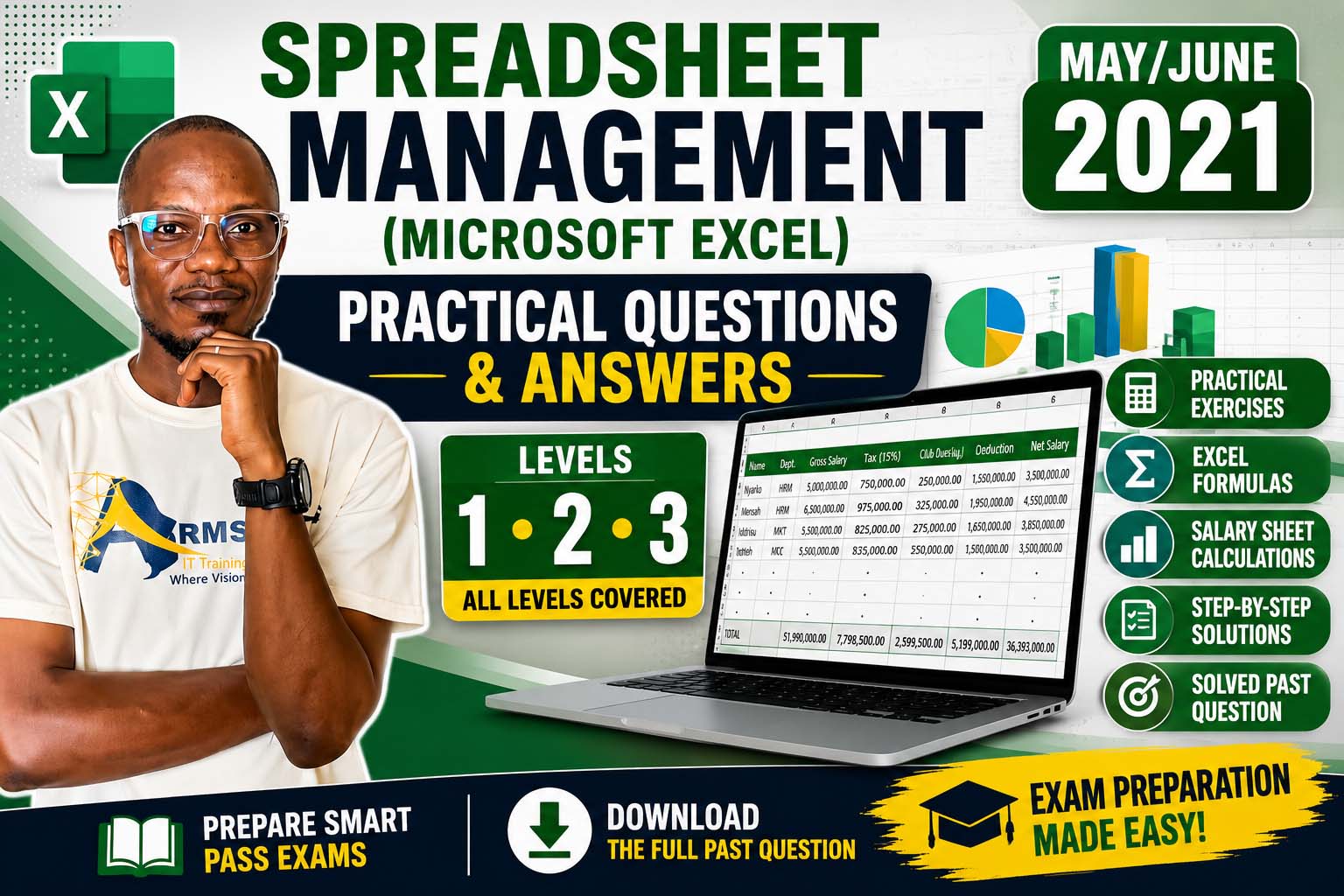
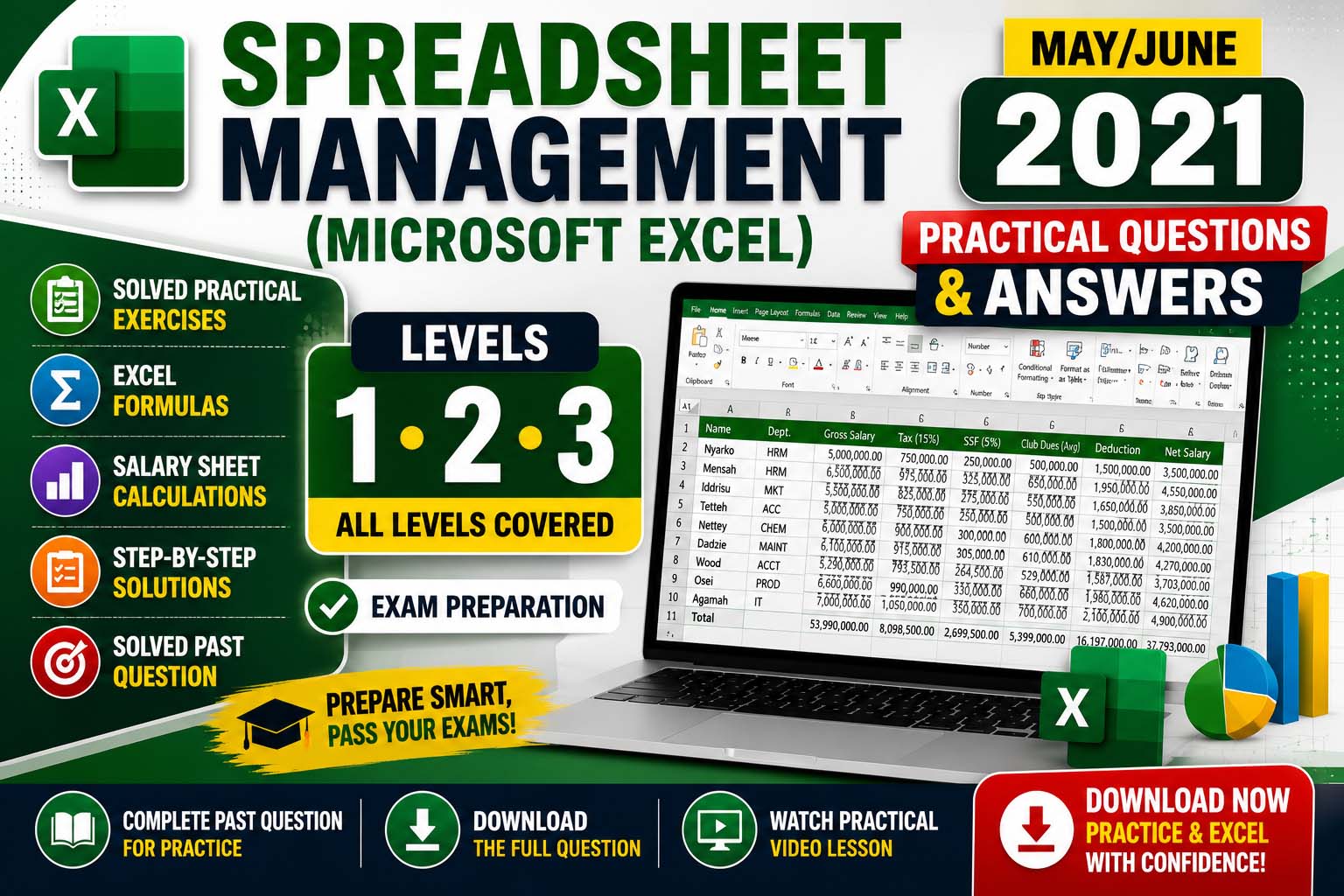
Complete solutions to both theory and practical Microsoft Excel examination questions (May/Jun 2021). Click each question below to reveal the answer.
Prepare for Your Spreadsheet Management Examination with Solved Past Questions
Are you preparing for the Spreadsheet Management (Microsoft Excel) Level 1, Level 2, and Level 3 examination? One of the best ways to improve your chances of passing is by studying real past questions and understanding the correct answers.
In this lesson, we provide fully solved May/June 2021 Spreadsheet Management Past Questions and Answers. Every theory question is explained in simple language, while the practical section provides the formulas required to solve the examination successfully.
Whether you are a beginner or revising for your final examination, this guide will help you master the essential Microsoft Excel concepts tested in the examination.
What You'll Learn
- Understand the difference between a Spreadsheet and Microsoft Excel.
- Explain Workbook, Worksheet, Cell and Active Cell.
- Identify Microsoft Excel Ribbon Tabs.
- Use common keyboard shortcuts in Excel.
- Understand logical functions such as IF, AND, OR, and SUM.
- Identify page orientations in Excel.
- Solve practical salary computation questions using formulas.
- Calculate Tax, SSF, Club Dues, Deductions and Net Salary.
- Prepare confidently for Level 1, Level 2 and Level 3 Spreadsheet Management examinations.
Who Should Read This?
- Level 1 Students
- Level 2 Students
- Level 3 Students
- Technical and Vocational Students
- ICT Students
- Microsoft Excel Beginners
- Examination Candidates preparing for Spreadsheet Management
SECTION A – Theory Questions & Answers
Question 1: What is the difference between Spreadsheet and Excel?
Spreadsheet: A computer application used to organize, calculate, analyze, and present data in rows and columns.
Microsoft Excel: A spreadsheet application developed by Microsoft that is used to create and manage spreadsheets.
Question 2: What are the THREE (3) basic functions of a spreadsheet program?
- Data entry and storage.
- Performing calculations using formulas and functions.
- Creating charts and reports for data analysis.
Question 3: List at least FIVE (5) Ribbon Tabs in Microsoft Excel.
Any five of the following:
- Home
- Insert
- Page Layout
- Formulas
- Data
- Review
- View
- File
Question 4(a): What is a cell in Microsoft Excel?
A cell is the intersection of a row and a column where data is entered in a worksheet.
Question 4(b): Define an Active Cell.
An Active Cell is the currently selected cell where data can be entered or edited.
Question 5(a): Explain Workbook.
A Workbook is an Excel file that contains one or more worksheets.
Question 5(b): Explain Worksheet.
A Worksheet is a single spreadsheet page made up of rows and columns where data is entered and manipulated.
Question 6(a): What does Ctrl + Home do?
Moves the cursor to the beginning of the worksheet (Cell A1).
Question 6(b): What does Ctrl + End do?
Moves the cursor to the last used cell in the worksheet.
Question 6(c): What does Ctrl + PgDn do?
Moves to the next worksheet (sheet) in the workbook.
Question 7: Explain what the Hyperlink is used for in MS Excel.
A Hyperlink is used to connect a worksheet to another worksheet, workbook, website, email address, or document so that users can quickly access the linked resource.
Question 8: Mention the TWO (2) types of Page Layout Orientation in MS Excel.
- Portrait
- Landscape
Question 9(a): Explain the IF function.
The IF function checks whether a condition is TRUE or FALSE and returns one value if TRUE and another value if FALSE.
Example: =IF(A1>=50,"Pass","Fail")
Question 9(b): Explain the AND function.
The AND function returns TRUE only if all specified conditions are TRUE.
Example: =AND(A1>=50,B1>=50)
Question 9(c): Explain the OR function.
The OR function returns TRUE if at least one condition is TRUE.
Example: =OR(A1>=50,B1>=50)
Question 9(d): Explain the SUM function.
The SUM function adds numbers together.
Example: =SUM(A1:A10)
Question 10(a): In a worksheet, rows are numbered vertically from __________.
1 to 1,048,576
Question 10(b): In a worksheet, columns are marked horizontally from __________.
A–Z, then AA up to XFD
SECTION B – Practical
1. Create the Table
| Name | Dept. | Gross Salary | Tax | SSF | Club Dues | Deduction | Net Salary |
|---|---|---|---|---|---|---|---|
| Nyarko | HRM | 5,000,000 | |||||
| Mensah | HRM | 6,500,000 | |||||
| Iddrisu | MKT | 5,500,000 | |||||
| Tetteh | ACC | 5,000,000 | |||||
| Nettey | CHEM | 6,000,000 | |||||
| Dadzie | MAINT | 6,100,000 | |||||
| Wood | ACCT | 5,290,000 | |||||
| Osei | PROD | 6,600,000 | |||||
| Agamah | IT | 7,000,000 | |||||
| Total |
2. Format
- Format all monetary values with Comma Style.
- Display 2 Decimal Places.
Example: 5,000,000.00
3. Calculate Tax (15% of Gross Salary)
Formula (D2):
=C2*15%
Copy the formula down.
4. Calculate SSF (5% of Gross Salary)
Formula (E2):
=C2*5%
Copy down.
5. Calculate Club Dues (Average of Tax and SSF)
Formula (F2):
=AVERAGE(D2:E2)
Copy down.
6. Calculate Deduction
Deduction = Tax + SSF + Club Dues
Formula (G2):
=SUM(D2:F2)
Copy down.
7. Calculate Net Salary
Net Salary = Gross Salary − Deduction
Formula (H2):
=C2-G2
Copy down.
8. Calculate Totals
Assuming data occupies rows 2–10:
=SUM(C2:C10)
=SUM(D2:D10)
=SUM(E2:E10)
=SUM(F2:F10)
=SUM(G2:G10)
=SUM(H2:H10)
Summary of Formulas
| Column | Formula |
|---|---|
| Tax | =C2*15% |
| SSF | =C2*5% |
| Club Dues | =AVERAGE(D2:E2) |
| Deduction | =SUM(D2:F2) |
| Net Salary | =C2-G2 |
| Totals | =SUM(range) |
These answers are suitable for Spreadsheet Management (Microsoft Excel) May/June 2021 Past Questions for Levels 1, 2, and 3, following the standard examination format.
Watch the Practical Video Lesson
Watch the complete Microsoft Excel practical lesson below to learn how to:
- Create Tables
- Apply Formatting
- Use Formulas
- Calculate Tax, SSF, and Deductions
- Calculate Net Salary
- Use SUM and AVERAGE Functions
Download Past Question
Want the original examination paper? Click the button below.
Before Your Download Begins...
To support the creation of more free solved past questions and practical lessons, kindly subscribe first.
Get access to:
- Solved Past Questions
- Practical Video Tutorials
- Microsoft Excel Lessons
- Spreadsheet Management Notes
Subscribe to our YouTube Channel
Click the button below to subscribe – your download will start automatically after subscription.
Final Thoughts
The Spreadsheet Management (Microsoft Excel) May/June 2021 Past Questions and Answers (Levels 1, 2 & 3) provide an excellent opportunity to prepare thoroughly for your upcoming examinations. Be sure to study both the theory and practical sections, complete the exercises on your own, and watch the practical video lesson to reinforce your understanding. Consistent practice is the key to success in Microsoft Excel examinations.
Join Our Tech Family
Get new lessons, tech tips, and updates directly on your phone. Be part of our growing IT community, never miss a tutorial or Windows tip!
World Class IT Solutions Across the Globe.
Empowering Businesses, Students & Organizations with World Class IT Solutions Across the Globe.
 USA
USA UK
UK Canada
 Australia
 Germany
 France
 India
India Nigeria
 Ghana
Ghana Kenya
Kenya South Africa
 Brazil
 Mexico
 Japan
Japan China
China Russia USA UK Canada Australia Germany France India Nigeria Ghana Kenya South Africa Brazil Mexico Japan China Russia
Our Other Plans
Explore our professional services tailored to meet your business needs. Click "Get a Quote" to start a conversation on WhatsApp.
Front-End Development
Responsive UIs, interactive components, modern frameworks & performance.
Get a QuoteOur Services Membership Plans
Get instant access to the full script library — activate online in minutes, no waiting. Choose the plan that fits your needs and unlock premium resources, source code, and commercial licenses.
VIP MEMBERSHIP
One Plan. Every Script. Full Source Code.
Instead of buying scripts one by one, get access to everything — every template and source code we have built, plus everything we ship in the future. One plan, no restrictions.
- Full Script Library
- Complete Source Code
- Future Scripts Included
- 6 Months Direct Support
PHP + Apps Script
- Full Access — PHP & Apps Script projects
- Step-by-step video guides
- Commercial-use license
- AI Prompts included — Free
- Ready-to-use projects
- Bug fixes & free future updates
- Future video releases auto added
- Installation help included
- No recurring charges
- 1 downloads/day
- Full source code access
- Files you download stay yours for lifetime
- Resale rights included
- Modification rights included
- 24/7 WhatsApp support
PHP + Apps Script
- Full Access — PHP & Apps Script projects
- Step-by-step video guides
- Commercial-use license
- AI Prompts included — Free
- Ready-to-use projects
- Bug fixes & free future updates
- Future video releases auto added
- Installation help included
- No recurring charges
- 2 downloads/day
- Full source code access
- Files you download stay yours for lifetime
- Resale rights included
- Modification rights included
- 24/7 WhatsApp support
PHP + Apps Script
- Full Access — PHP & Apps Script projects
- Step-by-step video guides
- Commercial-use license
- AI Prompts included — Free
- Ready-to-use projects
- Bug fixes & free future updates
- Future video releases auto added
- Installation help included
- No recurring charges
- 3 downloads/day
- Full source code access
- Files you download stay yours for lifetime
- Resale rights included
- Modification rights included
- 24/7 WhatsApp support
Languages & Technologies We Work With
Core competencies and the business problems each one solves. From automation to full-stack solutions, these tools power our services.