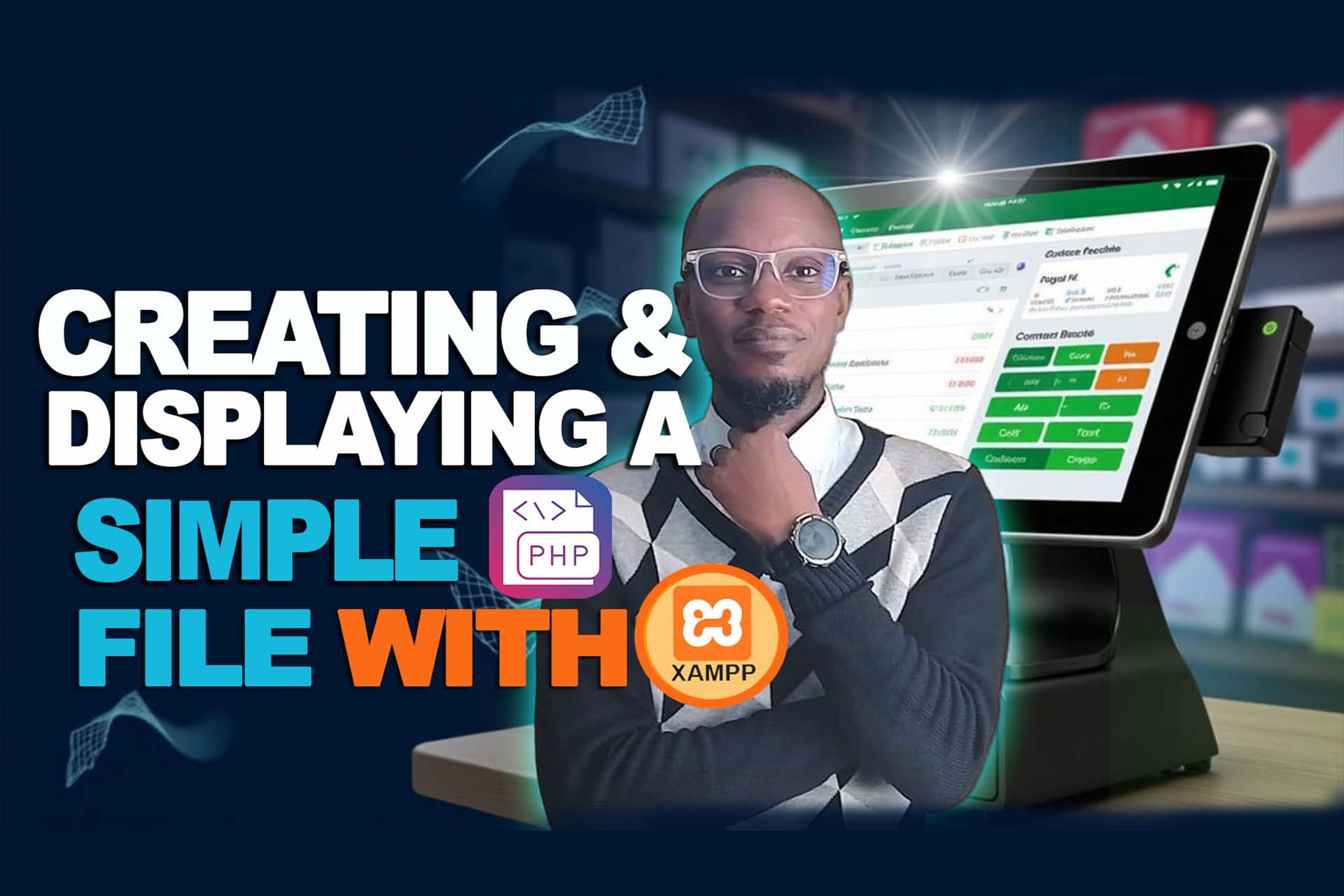
📘 Lesson 6: Creating and Displaying a Simple PHP File with XAMPP
In Model 3, Lesson 6 of our ICT training series, we dive into the practical foundation of PHP development using XAMPP — one of the most powerful tools for setting up a local server on your computer.
This lesson is specially designed for beginners and intermediate learners who want to understand how to write, save, and run PHP files in a controlled local environment. Whether you're building a simple contact form, login system, or a full PHP project, this is where it all begins.
🔍 Topics Covered in This Lesson Include:
- ✅ Introduction to PHP Programming Language
- ✅ What is PHP and Why Use It for Web Development?
- ✅ Creating a Simple PHP File
- ✅ Creating a Simple HTML File
- ✅ Running PHP and HTML Files with XAMPP
- ✅ Understanding How XAMPP Recognizes Files in the htdocs Directory
- ✅ Best Practices When Naming & Saving Files
- ✅ Differences Between HTML and PHP in Practical Use
🧪 What You’ll Learn by the End of This Lesson:
Participants will gain hands-on experience working with .php and .html files and learn how to run them on a browser using XAMPP. This is the stepping stone to understanding server-side scripting and how local development works before going live.
📂 You'll also discover how to use the XAMPP control panel, how to identify the version of PHP installed, and how to assign basic logins to an admin portal.
🎥 Watch the Lesson Video Below:
💡 Join the Full Course!
This is just one of the exciting lessons in our full course. If you found this helpful and want to upgrade your skills, don’t miss out!
👉 and join hundreds of learners transforming their tech journeys.
🙌 Help Us Reach More Kids:
We believe every child should have access to the tools that empower them through coding. That’s why we’re inviting you to support our movement — providing laptops and ICT training materials to kids passionate about learning.
💙 Support via Mobile Money:
📱 +233 597873038
📱 +233 209461382
Your contribution helps a child become the next coding pro! 💻
🧩 Join the Movement:
- Watch the video premiere on YouTube
- Subscribe to our channel
- Share the video with friends, parents, and schools
💬 Slogan: “Coding Club!”
🗣️ Kids' Response: “I’m now a Coding Pro!”