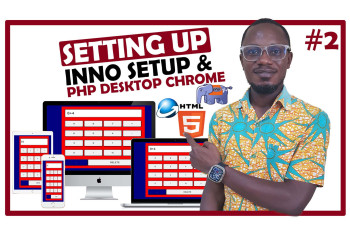
In this tutorial, you'll learn how to open and test your PHP Login and Registration system on your mobile phone using XAMPP localhost. No hosting is required! This is a step-by-step walkthrough designed for students and developers looking to understand local deployment for mobile access.
✅ Step-by-Step Guide
- Recap your login/registration system: First, we reviewed our existing login and registration interface to make sure it's responsive. We tested registration and login, confirming that records are properly saved in the database via PHP and MySQL.
- Connect your phone and PC to the same network: Use the same Wi-Fi or MiFi device for both devices. This is important for the mobile device to communicate with your localhost server on your computer.
- Open Command Prompt on your PC: Type
ipconfigand press Enter. Look for your IPv4 address. This is your local network address. - Type your IPv4 address in your phone’s browser: Enter it in the format
http://[your-ip-address]/[your-project-folder].
Example:http://192.168.0.102/loginproject. - Your XAMPP dashboard should appear: This means your mobile phone can now access your PC’s localhost server.
- Access the project folder: After verifying the dashboard, go ahead and type the full path to your login project in the address bar to load it.
- Test login and registration from your phone: Try to register a user and log in using the form. You should see the data stored correctly in your database just as on your PC.
💡 Troubleshooting Tips
- Ensure that Apache is running in your XAMPP control panel.
- Disable firewall temporarily if it blocks access to port 80.
- Ensure your phone’s browser allows unsecured HTTP access.
- Double-check your IP address and folder name spelling.
🎯 Why This Lesson Is Important
This method allows you to test your project on multiple devices without spending money on hosting. It’s a great way to demonstrate functionality during development or presentation of your POS system or login project.
📘 Continue Learning
If you're part of the full course on POS System Deployment with PHP and QuickBooks, this lesson is critical before transitioning your application to cloud hosting.
🎓 Register for Full PHP Course💻 Support Armstrong Coding Club
We empower kids to code. Support our club through laptop donations or funding to keep this initiative alive for underprivileged students.
💚 Support Armstrong Coding Club📺 Watch the Full Video Lesson
Watch the full tutorial and follow along visually on our YouTube channel:
▶️ Watch on YouTube