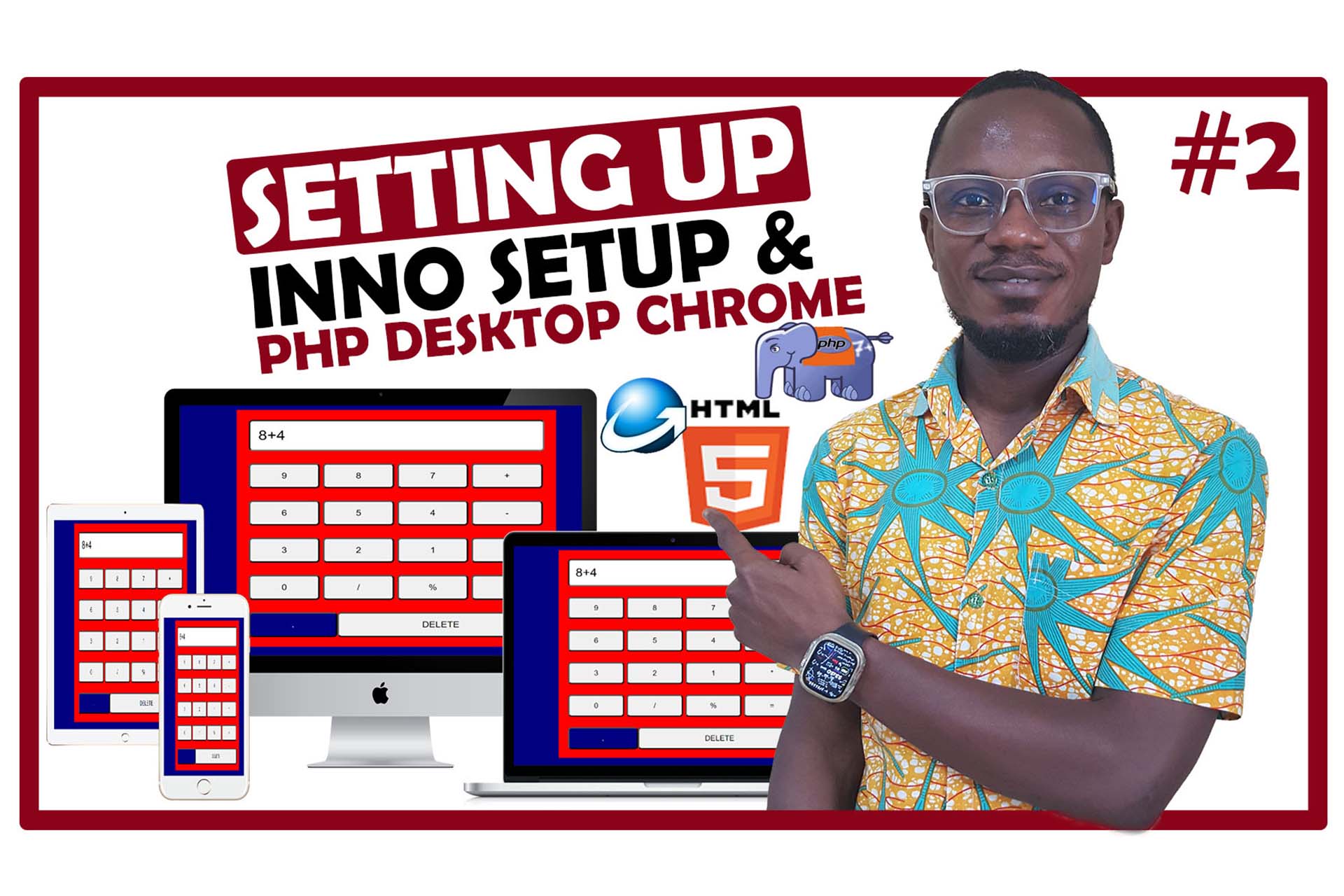
Welcome to the first lesson in our HTML & CSS Calculator series, where we’ll walk you through how to create a fully functional desktop calculator using nothing more than HTML and CSS. In this comprehensive lesson, you’ll learn how to code an elegant calculator interface and understand the importance of separating HTML from CSS for cleaner, more organized code.
Why This Lesson?
This video builds on concepts from my previous tutorials, but with a focus on combining external CSS with inline CSS. By the end of this series, you’ll have a calculator application that not only works in a web browser but also functions as a desktop application using Inno Setup and PHP Desktop Chrome.
What You’ll Learn in Lesson 1
1. Understanding HTML and CSS
Before jumping into the calculator project, we begin with a foundational understanding of HTML and CSS. This is crucial for anyone starting out or looking to brush up on web development basics. You’ll learn how HTML forms the structure of web pages, while CSS is responsible for their design and layout.
2. Inline CSS vs External CSS
We’ll explain the differences between inline CSS and external CSS, with examples showing how to implement each. This knowledge is essential when you want to create scalable and maintainable projects. Our focus is on keeping the HTML clean and separating design elements into a dedicated CSS file.
3. Step-by-Step Calculator Interface
This lesson covers everything you need to know about building a basic calculator interface.
- How to set up your development environment
- Creating the buttons and display using HTML
- Styling the calculator with CSS to make it look professional and responsive
4. Inno Setup & PHP Desktop Chrome
Once we have the HTML & CSS part of the calculator complete, we’ll dive into using Inno Setup and PHP Desktop Chrome to convert your web-based calculator into a desktop application. We’ll guide you through the entire setup process, so you’ll walk away with a calculator app that runs independently on your desktop!
Key Highlights of This Lesson
✅ Introduction to HTML and CSS
✅ External CSS vs Inline CSS - What’s the difference?
✅ Building a calculator interface step by step
✅ Preparing for Inno Setup and Chrome Desktop setup
✅ Learn the foundations for building a desktop application using web technologies.
By the end of this video, you will have created a fully functioning calculator that you can use on both web browsers and as a standalone desktop application! This is just the first step in a multi-lesson series that will turn you into a full-stack web developer, with practical skills you can use in real projects.
Video Tutorial
Watch the full tutorial and start coding your desktop calculator today:
For those of you looking for source code and additional resources, head over to my blog where I’ve posted everything you’ll need: Link to Blog Post.