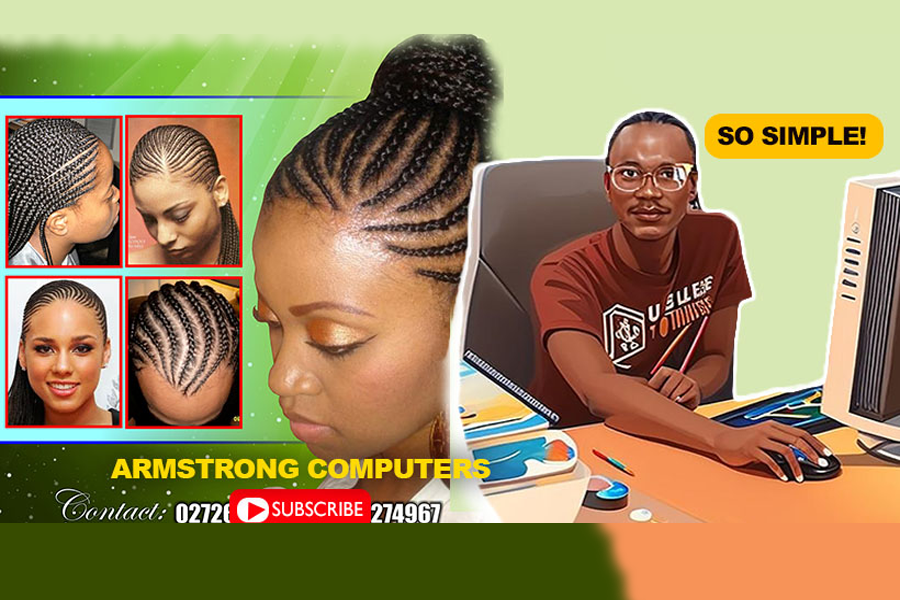
📰 Become a Publisher Pro: Creating Salon Publications Tutorial
Welcome to our step-by-step tutorial on becoming a Microsoft Publisher Pro! In this video tutorial, we will guide you through the process of creating stunning salon publications. We'll also explore how to crop images using the 'Edit Wrap Point' feature and save your creations as .jpg files. So, grab your creativity and let's get started!
Resources for the Tutorial
Here are the resources you'll need for this tutorial: Resources Files to Downloaded
Microsoft Publisher: You can download and install Microsoft Publisher if you haven't Download Microsoft Office 2010 already. This application is essential for creating professional publications.
Salon Images: Collect high-quality images related to salon services, interiors, or any content you want to include in your publication.
Your Imagination: Bring your creative ideas and concepts to the table. The more imaginative you are, the more engaging your salon publication will be.
Video Tutorial: Create Salon Publications Like a Pro
In this video tutorial, you'll find all the guidance you need to master Microsoft Publisher and become a pro at creating salon publications. Be sure to watch it to the end, and feel free to pause and rewind as needed.
Key Steps Covered in the Tutorial
Step 1: Setting up Your Publication
- Learn how to set up a new publication in Microsoft Publisher.
- Choose the right template for your salon publication.
- Customize the layout, fonts, and colors to match your salon's branding.
Step 2: Adding and Editing Text
- Insert text boxes and adjust text formatting.
- Write captivating headlines and descriptions.
- Create engaging content for your salon publication.
Step 3: Inserting Images
- Import salon-related images to make your publication visually appealing.
- Crop and resize images for a perfect fit using 'Edit Wrap Point.'
Step 4: Arranging and Styling Objects
- Arrange text and image elements for a clean and professional look.
- Apply stylistic touches, such as shadows and borders.
Step 5: Saving as .jpg
- Learn how to save your salon publication as a .jpg image for sharing and printing.
- Choose the right quality settings to maintain image clarity.
Conclusion
By the end of this tutorial, you'll have the skills and knowledge to create stunning salon publications that can be used for promotions, advertisements, or any other purpose. Becoming a Publisher Pro takes practice, so don't hesitate to experiment and refine your skills further.
Now, it's time to put your creative hat on and dive into the world of Microsoft Publisher. Watch the video, follow the steps, and let your salon publications shine!
Happy publishing, and remember, practice makes perfect! 💇♂️💇♀️📸