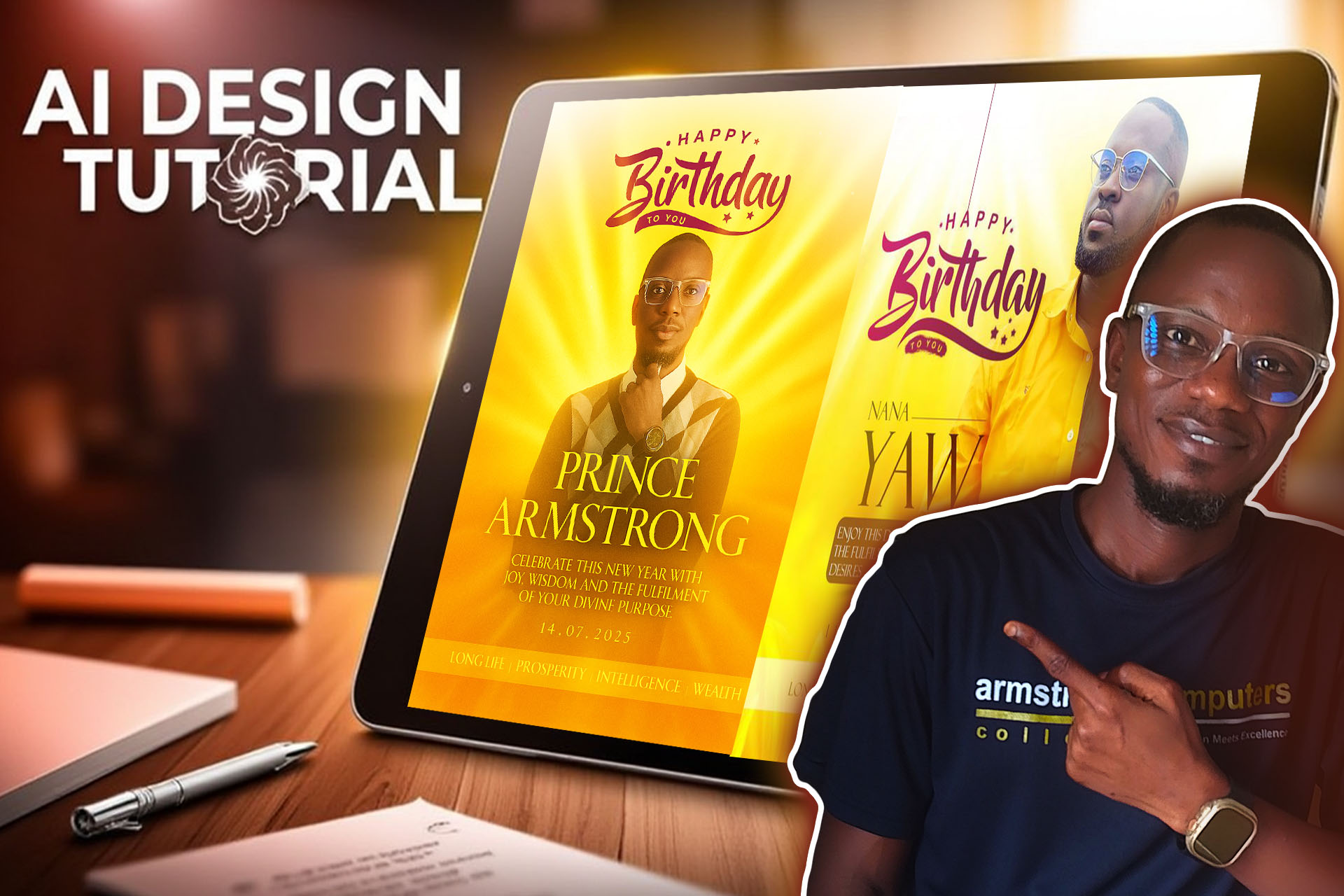
Introduction:
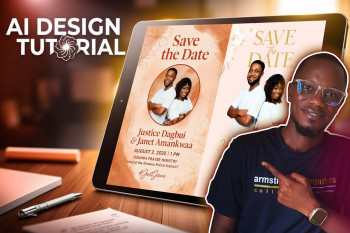
Welcome to another exciting design tutorial by Prince Armstrong of Armstrong Computers. In this lesson, we're exploring how to create a beautifully customized birthday card using AI—specifically ChatGPT. Following the success of our previous tutorial where we designed a 'Save the Date' wedding card, this tutorial shows how easily you can use a reference image and your details to generate a creative and personalized birthday card in minutes.
Whether you're a beginner designer or a student looking to enhance your creativity, this post will guide you step-by-step through the process—and you can even watch the full tutorial video embedded below.
Why Use AI for Birthday Card Design?
Advantages:
- No graphic design experience needed
- Quick turnaround time (minutes instead of hours)
- Easy personalization with your details
- Accessible from any device with internet
Disadvantages:
- Limited control over exact design elements
- May require multiple attempts to get perfect result
- Not all reference images can be legally used
🎯 Objective:
To create a social media-ready birthday card using ChatGPT by referencing a sample design and personalizing it with your own details.
🧰 What You'll Need:
- An internet connection
- A sample design image (e.g., downloaded birthday card style)
- Your name and birthday
- Any keywords or birthday wishes you'd like included
- A good-quality picture of yourself (optional but recommended)
🎥 Watch the Full Tutorial
🪄 Step-by-Step Tutorial
Step 1: Create a Free ChatGPT Account
- Go to https://chat.openai.com
- Click Sign Up and create an account using Google or email
- Login to access the chat interface
Estimated Time: 2 minutes
Step 2: Prepare Your Sample Design
Find a birthday card design online that you like and download it. Be cautious: not all images downloaded from the internet are free to reuse. Always ensure you have permission to use or reference a design.
Step 3: Use This Prompt in ChatGPT
Copy the full prompt below and paste it into the chat. (This prompt is not shared in the video description but is accessible here for blog readers.)
I would like you to help me design a birthday card for myself, and I have attached a sample of design for you to help me design something just like that. If you can help me, just let me know so that I can go ahead and then attach my picture for you to just design it like the one I've attached.
Step 4: Provide Your Details
ChatGPT will respond and ask for details such as:
- Your name (how it should appear)
- Birthday date
- Special birthday message or request to generate one
- Optional keywords (e.g., "Long Life", "Prosperity")
Example Provided:
- Name: Prince Armstrong
- Birthday: 14/7/2025
- Message: (You can type your own or ask ChatGPT to create one)
- Keywords: Long Life, Prosperity
Step 5: Upload Your Picture
Upload a clean, well-lit picture of yourself. This will be used as the centerpiece of your birthday card design.
Step 6: Wait for the Design
ChatGPT will process your inputs and generate a visual birthday card using your details. This typically takes under 1 minute. You can review and regenerate if needed.
Step 7: Download and Share
Save your image and use it on social media platforms like WhatsApp, Facebook, or Instagram to celebrate your special day in style!
💬 Tips for Better Results:
- Use a high-quality picture
- Be clear with your design expectations (color, theme, style)
- Always double-check text for accuracy before sharing
⚠️ Important Reminder:
Not every image you find online is free to use. Always check the license or source of a design before using it in your own project or submitting it to an AI tool as a reference.