Introduction:
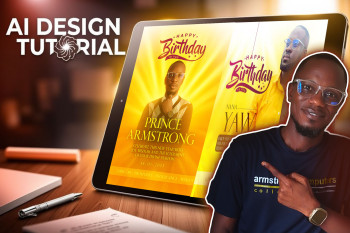
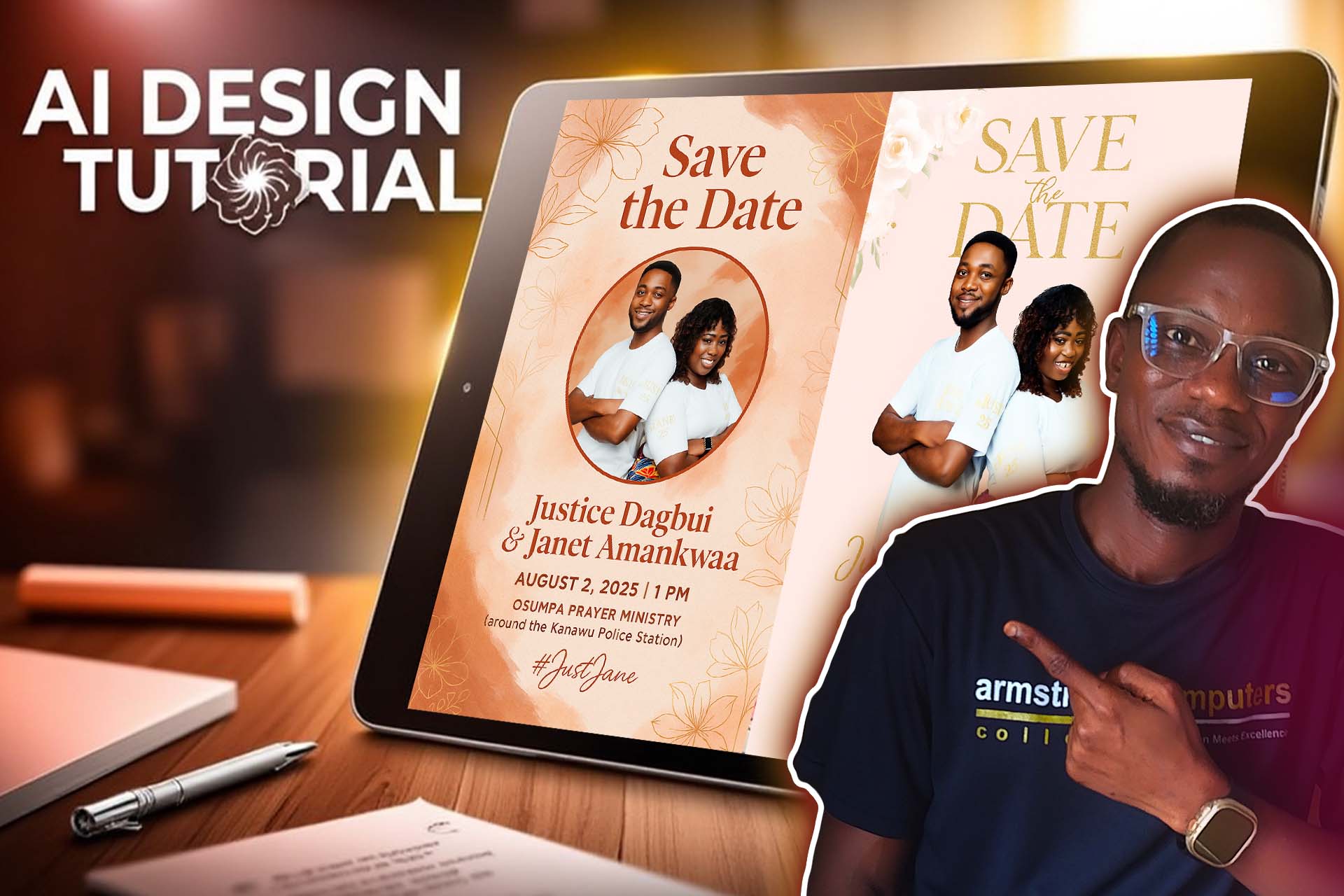
In today's fast-paced digital world, creating beautiful designs no longer requires complex software or years of design training. With the help of AI tools like ChatGPT, you can now generate stunning and personalized wedding invitations in minutes. In this blog, we'll walk you through how to use ChatGPT to design a Save the Date wedding card, including the pros and cons of using AI, and how to write effective prompts. This is based on a real project by Prince Armstrong of Armstrong Computers.
Why Use AI (ChatGPT) for Wedding Designs?
Advantages:
- No need for advanced graphic design skills
- Fast and responsive design generation
- Easy customization based on your style and event details
- Accessible via web browser on most devices
Disadvantages:
- Limited control over exact design elements
- May require a few attempts for your ideal design
- Doesn't fully replace human creativity for unique concepts
What You Need to Get Started
- A Google account or email address
- A clear photo of the couple
- Wedding details: names, date, time, location, design style
- Internet connection and browser (Chrome recommended)
Step-by-Step Guide: Using ChatGPT to Design a Save the Date
Step 1: Create a Free ChatGPT Account
- Visit https://chat.openai.com
- Click Sign Up
- Use Google or your email to register
- After logging in, you'll see the ChatGPT interface
Estimated Time: 2–3 minutes
Step 2: Copy and Paste the Prompt
Paste this into ChatGPT:
I would like you to help me design save the date more let's a wedding program for a couple if yes, please let me know so that I can attach the pictures and give you the details For you to help me with the design.
Estimated Time: 30 seconds
Step 3: ChatGPT's Response
You'll receive a reply like:
"Yes, I'd be very happy to help you design a 'Save the Date' for a wedding program! 🎉
Please go ahead and:
- Attach the couple's pictures
- Send me the details, such as:
- Names of the couple
- Wedding date
- Venue/location
- Time (if applicable)
- Preferred colors or theme
- Optional tagline
"
Step 4: Provide Wedding Info & Photo
Submit all the requested information and upload a photo. ChatGPT will generate a concept or help prepare the final design.
Estimated Time: 3–5 minutes
Step 5: Save and Use the Design
You'll get a downloadable design you can use in print or online.
Step 6: Follow Along with the Video
Watch the YouTube video that demonstrates this tutorial step by step:
👉 Watch on YouTube
Tips for Writing a Good Prompt
- Be specific about your style and preferences
- Clearly list the names, dates, and location
- Mention mood, color, or design feel
- Include the type of typography you want (optional)
Example Prompt:
Create a modern Save the Date design for a wedding. Couple: Justice Dagbui and Janet Amankwaa. Date: August 2, 2025. Location: Osumpa Prayer Ministry, Kanawu Police Station area. Time: 1 PM. Preferred color scheme: soft blush pink and gold. Hashtag: #JustJane.
Conclusion
Thanks to AI, designing a professional Save the Date card is now possible for anyone with a browser and a few minutes. Whether you're a beginner or teaching others, tools like ChatGPT offer a powerful new way to be creative—quickly and affordably.