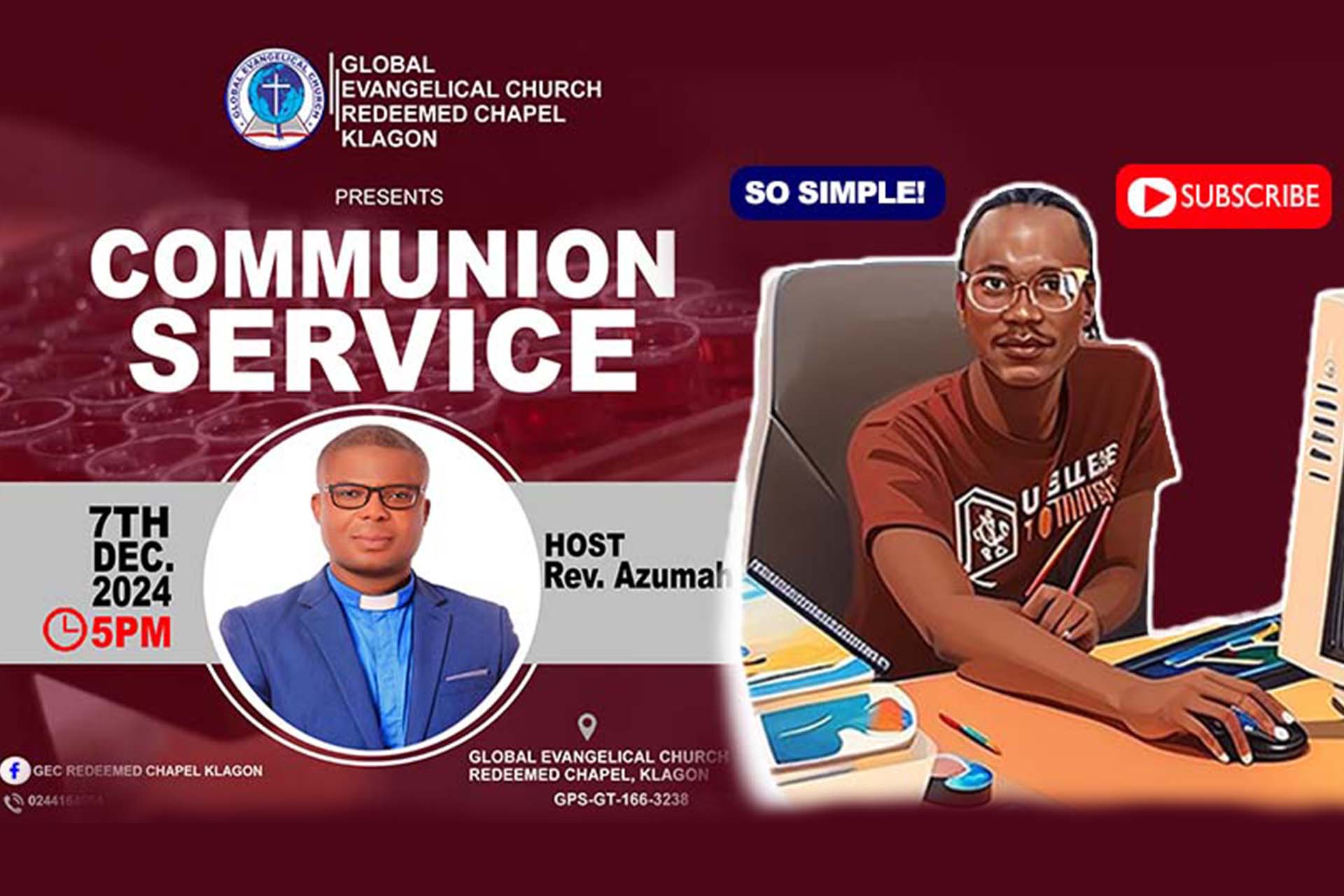
Creating artistic and professional banners for your Communion service is a great way to enhance the spiritual significance of the event while also improving the visual appeal of your church environment. 🌟 In this comprehensive step-by-step guide, we'll walk you through the entire process of designing a stunning Communion banner using Microsoft Publisher.
Whether you're a student, church worker, or volunteer, this guide will help you master the skills needed to create a well-crafted banner that speaks to the essence of your Communion service. We will also provide links to download resources to help you try your hands on real-world projects. Plus, we'll include a video tutorial by Prince Armstrong of Armstrong Computers, guiding you through each step of the process. 🎓💻
Why Creating a Professional Banner Matters for Your Communion Service
A well-designed banner sets the tone for your Communion service, providing an opportunity to visually communicate the importance of the occasion. It can feature Bible verses, serene images, and carefully selected fonts and colors to evoke a sense of peace and reflection. Here's why having a professional banner is essential:
- Enhances Engagement: A banner that captures attention can set the right spiritual atmosphere.
- Reinforces the Message: The visual design can emphasize the sacredness of the Communion service.
- Promotes Your Church's Image: A professional design shows the care and attention your church puts into all aspects of worship. 🙏🏽
Step-by-Step Guide to Designing a Communion Service Banner
Creating a banner using Microsoft Publisher is simple and effective. Follow these steps for a successful project:
Step 1: Open Microsoft Publisher
Begin by launching Microsoft Publisher on your computer. Select the "Banner" option from the template gallery. Microsoft Publisher offers a variety of banner templates you can customize for your Communion service.
Step 2: Choose the Right Size
Make sure your banner’s size matches the specifications of your venue. For example, if you plan to hang it in the sanctuary, measure the space and select the appropriate size. This will ensure that your banner is neither too small nor too overwhelming for the setting. 📏
Step 3: Customize the Template
You can personalize the template by adding a background that reflects the tone of the Communion service. Choose soft colors such as white, gold, or purple, which are often associated with purity and reverence in Christian themes. 🎨
Step 4: Add Text and Scripture
Incorporate key Bible verses that resonate with the meaning of Communion. Verses like 1 Corinthians 11:24-25 (about the Last Supper) can add spiritual depth to your banner. Be sure to use legible fonts that can be read from a distance. Opt for elegant fonts such as Times New Roman or Calibri, and ensure the text size is appropriate for the banner size.
💡 Pro Tip: Use a combination of bold headers and smaller body text for a clear visual hierarchy. For example:
- Header: Communion Service – "Do This in Remembrance of Me"
- Scripture: "This is my body, which is for you; do this in remembrance of me." – 1 Corinthians 11:24
Step 5: Incorporate Images and Logos
Add visuals like a chalice, bread, or the cross, which symbolize the Eucharist and the sacrifice of Christ. You may also include your church’s logo or branding elements if applicable. Just make sure not to clutter the design—keep it clean and meaningful. 🕊️
Step 6: Finalize and Print
Once you're satisfied with the design, preview the banner to check for any errors or necessary adjustments. After confirming that everything looks perfect, save your project and send it to your local printer or use an online printing service to get high-quality results. 📄
Additional Resources & Video Tutorial
To make the learning process easier, we've included a video tutorial by Prince Armstrong of Armstrong Computers. This video covers the entire step-by-step process of designing a Communion service banner in Microsoft Publisher, making it even simpler for you to follow along.
🎥 Watch the full video tutorial here
Additionally, we’ve provided downloadable resources so you can try your hands on designing. You’ll get templates, images, and sample designs to start your own Communion service project.
👉Download the resources here
Who is Prince Armstrong of Armstrong Computers?
Prince Armstrong, the manager and God Be the founder of Armstrong Computers, has been dedicated to teaching students how to master the art of desktop publishing. With years of experience, Prince Armstrong has created educational content to guide students through the technical and creative aspects of digital design. Through his step-by-step tutorials, students and learners can develop their skills in creating artistic publications that serve both their educational and spiritual needs.
Why Use Microsoft Publisher for Your Communion Banner?
Microsoft Publisher is an excellent tool for designing professional-quality banners, especially for students and beginners. It offers:
- User-friendly templates: Pre-designed templates that you can easily customize for your church event.
- Rich design features: Add images, shapes, text, and much more to create a visually stunning publication.
- Perfect for print: Publisher creates high-resolution designs that are perfect for printing on large-scale formats. 🖨️
Conclusion
By following this comprehensive guide, you'll be able to create a beautiful and professional banner for your Communion service, while learning essential skills in Microsoft Publisher. Don't forget to watch the tutorial video and download the resources provided to start your own project. If you found this guide helpful, please share it with your friends or leave a comment below to let us know how your banner turned out! 😊✝️