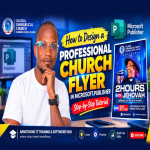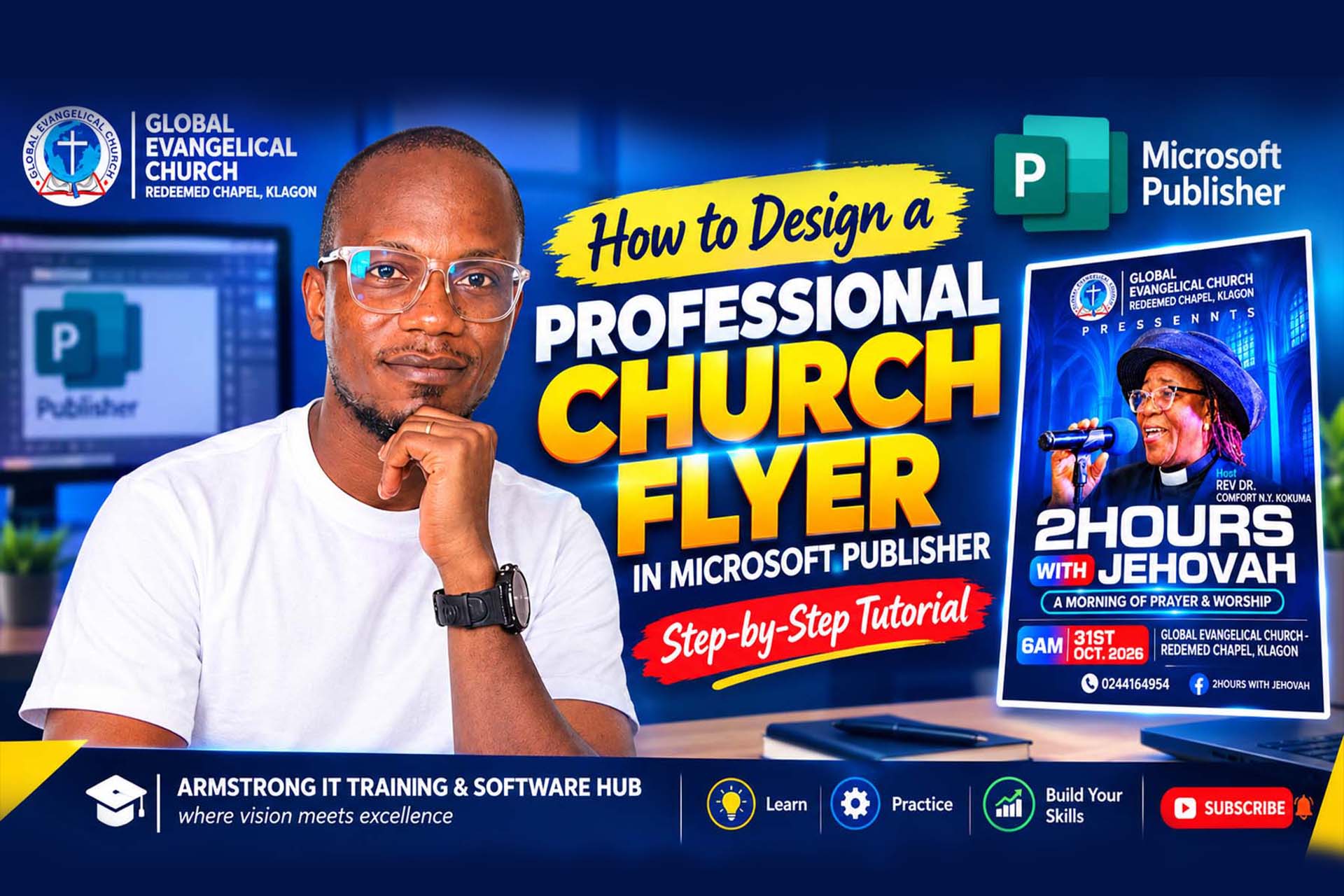
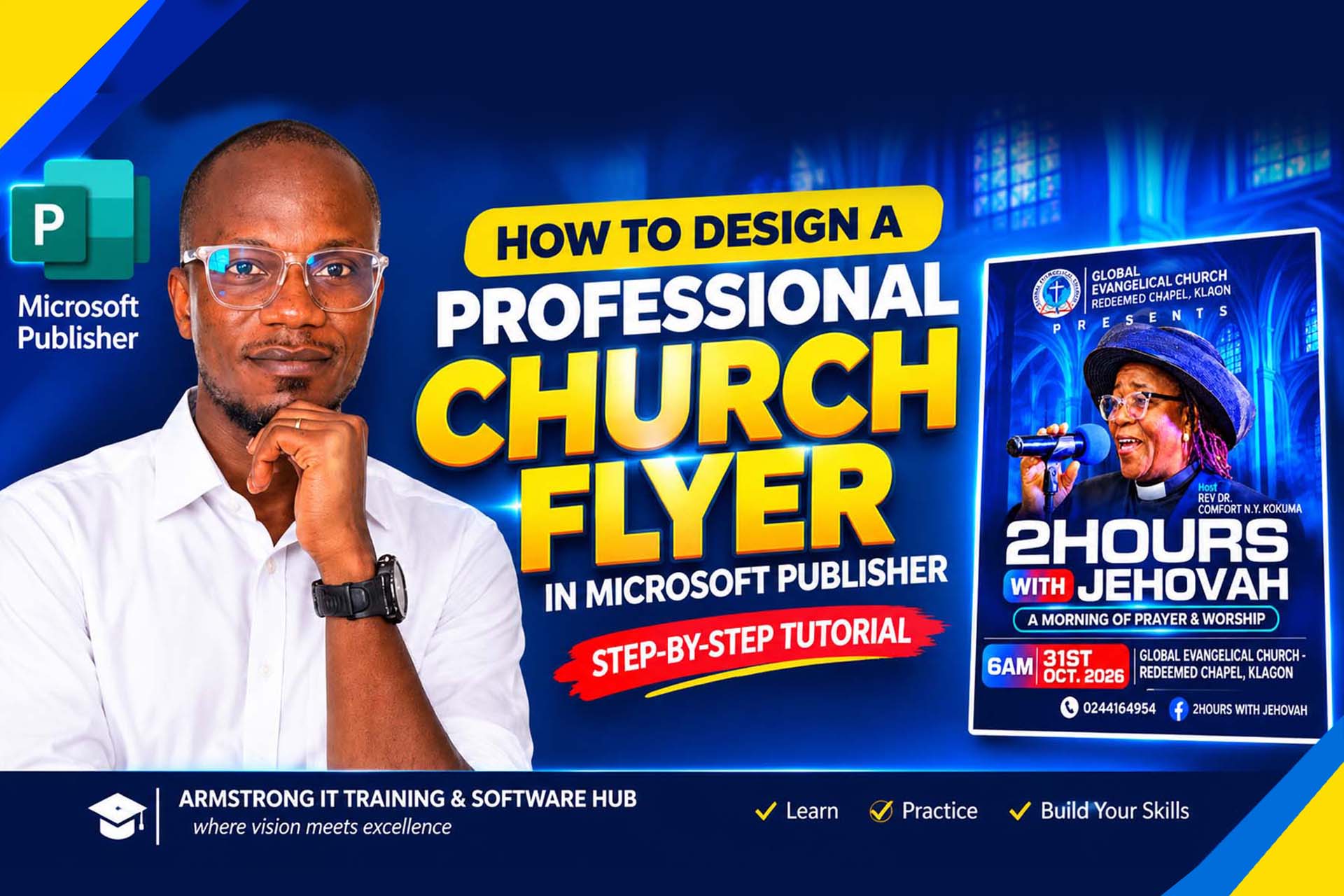
How to Design a Professional Church Flyer
Learn the importance of desktop publishing in graphic design, what to consider when designing a church flyer, and how to create a professional church flyer step by step using Microsoft Publisher.
Educational Tutorial — This guide explains professional flyer design principles for educational and practical use.
Published by: Armstrong IT Training & Software Hub
Creating a professional church flyer requires more than beautiful pictures and attractive colours. A successful design combines text, images, shapes, typography and layout to communicate a message clearly.
1. What Is Desktop Publishing?
Desktop publishing, commonly known as DTP, is the process of using computer software to arrange text, photographs, illustrations and other visual elements into a well-organised publication.
Desktop publishing helps individuals and organisations prepare materials for printing or digital distribution. It is widely used in education, business, advertising, church communication and publishing.
Examples of desktop publishing projects include:
- Church flyers, posters and event programmes.
- Business cards, brochures and company profiles.
- Newsletters, magazines and booklets.
- Invitations, certificates and calendars.
- Menus, advertisements and promotional materials.
Desktop publishing focuses on how information is arranged on a page. The designer must consider the size and position of text, the quality of images, spacing, alignment, readability and the overall appearance of the publication.
2. Why Is Desktop Publishing Important in Graphic Design?
Creating professional publications
Desktop publishing helps designers arrange information in an attractive and organised manner. Consistent fonts, appropriate colours, good alignment and balanced spacing give a publication a professional appearance.
Communicating information effectively
A flyer must communicate its message quickly. Readers should be able to identify the event, understand its purpose and find important information such as the date, time and venue without difficulty.
Encouraging creativity
Designers can combine photographs, backgrounds, shapes, typography and colour schemes to create designs that reflect the identity and purpose of an event.
Saving time and maintaining consistency
Reusable layouts, templates and design elements help designers create related publications more efficiently. A church can use a consistent visual style across revival flyers, conventions, prayer meetings and conferences.
Preparing materials for print and digital use
Desktop publishing principles can be applied to publications for printing, websites, email and social media. The designer must choose suitable dimensions, image quality and export settings for the intended use.
3. What Is a Poster or Church Flyer?
A poster is a visual communication material designed to attract attention and communicate a message. It may advertise an event, share information, promote a product or encourage people to take action.
A church flyer is a type of promotional publication used to communicate information about church activities and programmes. Examples include worship services, prayer meetings, conferences, conventions, revival programmes, seminars and special guest-minister events.
An effective church flyer commonly includes:
- The church name and logo.
- The event title or theme.
- A speaker's photograph and name, where applicable.
- The date and time.
- The venue or location.
- Contact details or registration information.
- Supporting images and visual elements.
The goal is not simply to make the flyer beautiful. It must also be easy to read and communicate the correct information.
4. What Should You Consider Before Designing a Church Flyer?
Understand the purpose of the event
Before opening your design software, establish what the flyer is promoting. A prayer meeting, youth conference and church anniversary may require different visual approaches.
Identify the target audience
Consider who needs to see the flyer. The intended audience can influence the wording, visual style, colour palette and method of distribution.
Gather the correct information
Confirm the church name, event theme, date, time, venue, speaker's name and contact details before beginning. Incorrect event information can confuse attendees.
Select suitable images
Choose clear photographs, relevant backgrounds and a good-quality logo. Ensure you have permission to use the images and branding in your design.
Choose an appropriate colour scheme
Colours should complement the event's identity and make the content easy to read. Avoid using too many competing colours or placing light text on a background with insufficient contrast.
Use readable typography
Choose fonts that are easy to read. Use a clear visual hierarchy so the main heading stands out, while supporting information remains readable.
Plan the layout and dimensions
Decide whether the design will be printed or shared online. Consider the page size, orientation, spacing and how the flyer will appear on a mobile phone.
5. How to Design a Professional Church Flyer Step by Step
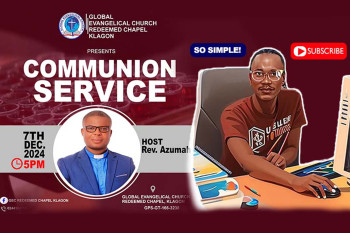
In our practical project, we use a church event flyer titled "2 Hours with Jehovah" as a demonstration of how individual design elements can be combined into a complete publication.
Step 1: Prepare the background
Choose a background that supports the theme of the event. In our example, a blue cathedral interior creates a worship-focused atmosphere. The background should enhance the design without making the text difficult to read.
Step 2: Insert the church logo
Position the logo near the top of the design. Resize it proportionally and leave enough space around it so the church identity remains clear.
Step 3: Insert the speaker's photograph
Use a suitable speaker photograph and position it where it will attract attention without covering important information. A transparent PNG can be useful when placing a person over a background.
Step 4: Create the main heading
Make the event title prominent using suitable font sizes, contrast and spacing. Keep the wording clear and avoid overcrowding the design with too many font styles.
Step 5: Add the event details
Arrange the date, time, venue, host's name and contact information in clearly defined sections. Readers should be able to find these details quickly.
Step 6: Add shapes, colours and effects
Use shapes and borders to highlight important information. Subtle shadows and contrasting colour panels can improve separation between elements, provided they do not distract from the message.
Step 7: Review and export
Check spelling, alignment, readability and image quality. Save an editable copy where possible, then export the finished design in an appropriate format for printing or digital sharing.
6. Watch the Practical Video Tutorial
Reading about graphic design is useful, but watching the process makes it easier to understand how the individual elements come together.
In this practical video, you can follow the process of creating a professional church flyer, from arranging the background and images to formatting the heading and positioning the event details.
Practical exercise: Watch the tutorial and recreate the flyer on your own computer. Pause at each stage and practise the techniques before moving to the next step.
7. Download the Design Resources
To help you practise, we have provided the resources used in the tutorial. These may include the background image, logo, speaker image and other materials needed to recreate the design.
Visit our YouTube channel, subscribe for more practical ICT and graphic design tutorials, and then confirm your subscription below to unlock the resource links.
After visiting YouTube, return to this page and confirm that you have subscribed. This confirmation is based on your response; this website does not independently verify your subscription.
8. Is Microsoft Publisher Still Relevant?
Microsoft Publisher has been widely used to produce flyers, brochures, business cards, newsletters and other publications. Although the software is being retired in October 2026, the desktop publishing principles demonstrated in this lesson remain valuable.
Important: Microsoft announced Publisher's retirement in October 2026. Its availability and support are ending, with timing depending on the version and subscription. Microsoft recommends considering Word or PowerPoint for many common publication tasks.
Students should understand that graphic design skills are transferable. Typography, alignment, contrast, page layout, image placement and visual hierarchy can be applied in other suitable publishing and design applications.
Explore these learning resources:
9. Learn with Armstrong IT Training & Software Hub
At Armstrong IT Training & Software Hub, we focus on practical, hands-on ICT training that helps learners develop skills they can apply in education, business and creative work.
Explore our website for more information about our training programmes and learning resources.
Conclusion
Desktop publishing is an important part of graphic design because it transforms text, images and ideas into organised and attractive publications. Learning how to design a church flyer helps students practise essential skills such as typography, layout, colour selection, image placement and effective communication.
Follow the practical tutorial, download the learning resources and practise creating your own publication. The aim is not simply to learn one software application, but to develop design skills that can be applied to future projects.
For more ICT tutorials and design lessons, stay connected with Armstrong Computers College.
Now known as Armstrong IT Training and Software Hub
Get in touch for IT training: +233 20 946 1382 / +233 59 787 3038
Join Our Tech Family
Get new lessons, tech tips, and updates directly on your phone. Be part of our growing IT community, never miss a tutorial or design tip!
World Class IT Solutions Across the Globe.
Empowering Businesses, Students & Organizations with World Class IT Solutions Across the Globe.
 USA
USA UK
UK Canada
 Australia
 Germany
 France
 India
India Nigeria
 Ghana
Ghana Kenya
Kenya South Africa
 Brazil
 Mexico
 Japan
Japan China
China Russia USA UK Canada Australia Germany France India Nigeria Ghana Kenya South Africa Brazil Mexico Japan China Russia
Our Services Membership Plans
Get instant access to the full script library — activate online in minutes, no waiting. Choose the plan that fits your needs and unlock premium resources, source code, and commercial licenses.
VIP MEMBERSHIP
One Plan. Every Script. Full Source Code.
Instead of buying scripts one by one, get access to everything — every template and source code we have built, plus everything we ship in the future. One plan, no restrictions.
- Full Script Library
- Complete Source Code
- Future Scripts Included
- 6 Months Direct Support
PHP + Apps Script
- Full Access — PHP & Apps Script projects
- Step-by-step video guides
- Commercial-use license
- AI Prompts included — Free
- Ready-to-use projects
- Bug fixes & free future updates
- Future video releases auto added
- Installation help included
- No recurring charges
- 1 download/day
- Full source code access
- Files you download stay yours for lifetime
- Resale rights included
- Modification rights included
- 24/7 WhatsApp support
PHP + Apps Script
- Full Access — PHP & Apps Script projects
- Step-by-step video guides
- Commercial-use license
- AI Prompts included — Free
- Ready-to-use projects
- Bug fixes & free future updates
- Future video releases auto added
- Installation help included
- No recurring charges
- 2 downloads/day
- Full source code access
- Files you download stay yours for lifetime
- Resale rights included
- Modification rights included
- 24/7 WhatsApp support
PHP + Apps Script
- Full Access — PHP & Apps Script projects
- Step-by-step video guides
- Commercial-use license
- AI Prompts included — Free
- Ready-to-use projects
- Bug fixes & free future updates
- Future video releases auto added
- Installation help included
- No recurring charges
- 3 downloads/day
- Full source code access
- Files you download stay yours for lifetime
- Resale rights included
- Modification rights included
- 24/7 WhatsApp support
Our Other Plans
Explore our professional services tailored to meet your business needs. Click "Get a Quote" to start a conversation on WhatsApp.
Front-End Development
Responsive UIs, interactive components, modern frameworks & performance.
Get a QuoteLanguages & Technologies We Work With
Core competencies and the business problems each one solves. From automation to full-stack solutions, these tools power our services.