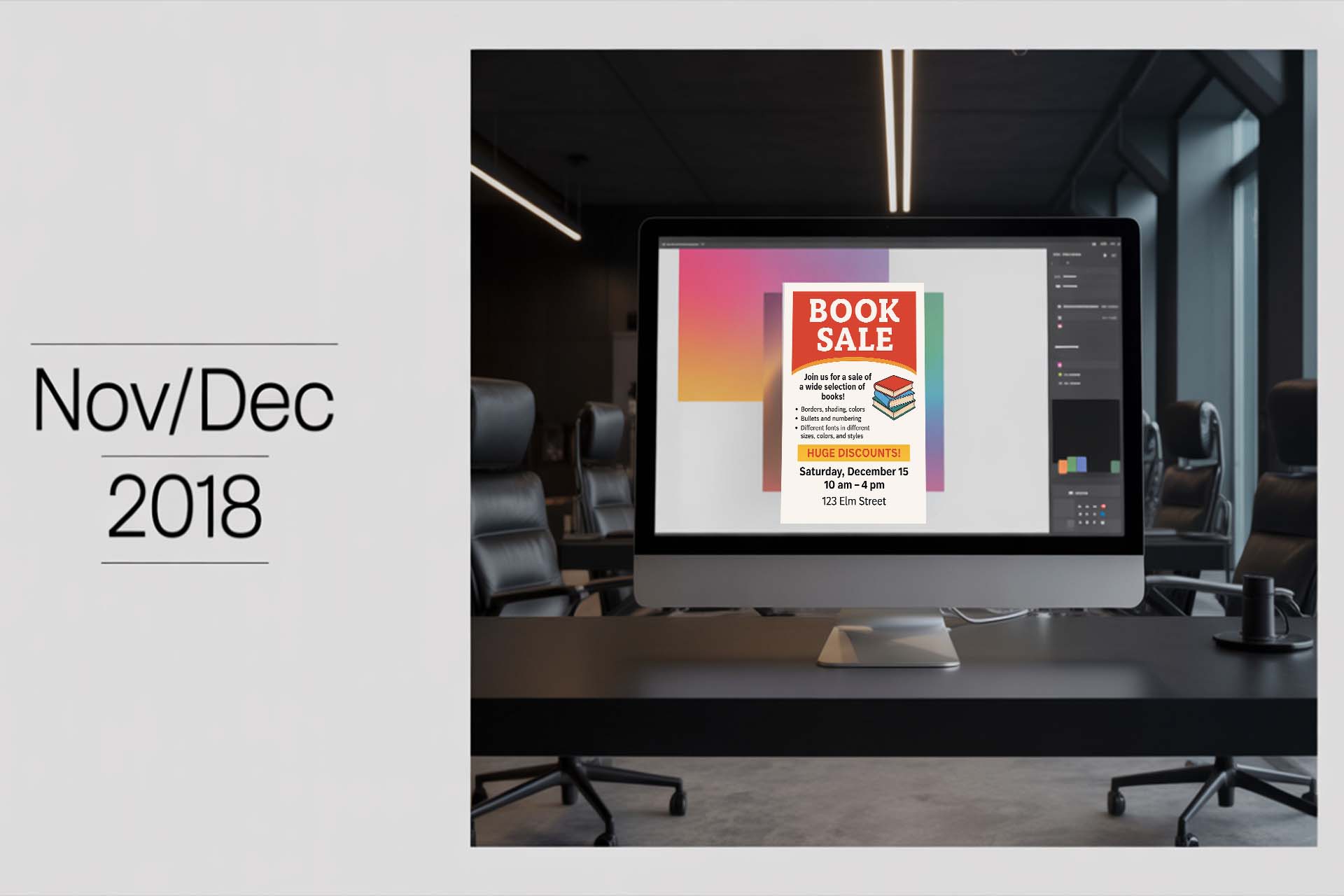
Welcome to Armstrong Computers College's digital learning portal. This post features a past question from the November/December 2018 Level Three Desktop Publishing examination. It is designed to help students prepare by understanding how questions are structured and what is expected of them, especially in Microsoft Publisher.
Our aim is to bring high-quality computer literacy to every student's doorstep. Armstrong Computers is a place where vision meets excellence.
SECTION A – Theory
1. What is "Arcs" style?
"Arcs" style refers to a predefined graphic or design template in desktop publishing, often used in layout arrangements like titles or image placement. It may also refer to stylized text or image arcs in Publisher.
2. Describe the Personal Information Screen.
The Personal Information Screen in Publisher allows users to input standard contact or business details (e.g., name, address, phone) to be automatically filled into publications.
3. What is Colour Schemes Task Pane?
This pane lets you apply coordinated color combinations to your publication elements like text, shapes, and borders.
4. What is Font Schemes Task Pane?
It provides predefined font combinations that ensure design consistency across headers and body text.
5. Describe Publication Designs.
Publication designs are templates provided in Publisher that include layout, text placeholders, and graphics, helping users start their project quickly.
6. Explain the term Wizard.
A wizard in Publisher is a step-by-step guide that helps users create complex documents by guiding them through necessary setup options.
7. What is the purpose of the Include Button?
The Include Button is used to insert additional elements like personal info or company logo into a publication.
8. What is a Mail Merge?
Mail Merge is used to personalize a document (e.g., letters or labels) for multiple recipients by pulling data from a table or list.
9. What is a None Button?
The None Button is used to remove a selected style, format, or element from a design such as removing a background or border.
10. Describe Tear Off.
Tear Offs are detachable portions of a flyer (usually bottom strips) that include contact info or small forms people can take with them.
SECTION B – Practical Design Task
Instruction: Using Microsoft Publisher, create a flyer that announces the sale of books. Ensure that your flyer includes the following design features:
- Borders, shading, and colors
- Bullets and numbering
- Text indents
- Different fonts in varying sizes, colors, and styles
- WordArt
- Pictures (you can use images from the ClipArt directory)
After designing your flyer, save and print it as part of your submission.
Below is a sample design to guide you: